On this page
Short answer
552 5.2.2 means the recipient's mailbox is full, and the receiving server refused your message. Gmail uses it for an inbox that is full and inactive; a Gmail inbox that is only full returns the temporary 452 4.2.2. On Microsoft 365, a 5.2.2 that says Submission points to your own mailbox. Otherwise stop the sequence for that contact and remove the address if it bounces as full again.
What the bounce says
552 is the SMTP reply "Requested mail action aborted: exceeded storage allocation" (RFC 5321), and 5.2.2 is the enhanced code for "Mailbox full" (RFC 3463). The mailbox exists but has no room for your message.
RFC 3463 says the mailbox-full code "should be used as a persistent transient failure". Gmail answers a full inbox with 452 4.2.2, so your server keeps retrying, and saves 552 5.2.2 for an inbox that is also inactive. A 552 5.2.2 means the server stopped waiting: this message will not be delivered.
The texts by provider
Provider and code | Text in the bounce | Whose problem |
|---|---|---|
Gmail, 452 4.2.2 | "The recipient's inbox is out of storage space." | Recipient's, temporary |
Gmail, 552 5.2.2 | "The recipient's inbox is out of storage space and inactive." | Recipient's, permanent |
Microsoft 365, 554 5.2.2 | "mailbox full; STOREDRV.Deliver..." | Recipient's: mailbox full |
Microsoft 365, 554 5.2.2 | "mailbox full; STOREDRV.Submission..." | Yours: mailbox full |
Microsoft 365, 5.2.2 | "Submission quota exceeded" | Yours: sending limit |
Exchange Server (on-premises), 5.2.2 | "Mailbox full" | Recipient's: mailbox full |
The Gmail texts are from Google's SMTP error list. Gmail Help adds that the recipient "must clear space in their account storage before they can receive new email" (Fix bounced or rejected emails).
Microsoft's 554 5.2.2 article gives the Deliver text, with the line "The recipient's mailbox is full and can't accept messages now", for a full mail-enabled public folder; a Microsoft Q&A thread (October 2024) shows it for a user's mailbox. The Submission text is from Microsoft's SMTP submission article. "Submission quota exceeded" is the only 5.2.2 entry in the Exchange Online NDR reference, and "Mailbox full" comes from the Exchange Server DSN list.
Yahoo's error code list has no mailbox-full entry. Its storage FAQ gives US accounts 20 GB free and says mail sent to a full mailbox is "not stored and can't be recovered."
Whose mailbox is full
On Microsoft 365, read the word after STOREDRV. Deliver means the message reached the recipient's mailbox and found it full. Submission means your own mailbox refused the message before sending it.
Microsoft explains the second case: Sent Items count toward the mailbox size, and "If the mailbox becomes full, it is blocked from sending email messages." For high-volume SMTP senders it recommends a retention policy that empties Sent Items first.
"Submission quota exceeded" is a third case: Microsoft says the sender "exceeded the recipient rate limit or the message rate limit." Nothing is full here. Pause the mailbox and see Microsoft 365 sending limits and 550 5.7.233.
What a full mailbox says about your list
A personal Google Account has up to 15 GB, and its content becomes eligible for deletion after 2 years over quota (Google One Help). Gmail's permanent text names that state: out of storage space and inactive.
On a B2B list, a mailbox that stays full can belong to someone who left. One full bounce is noise; several from one list source mean the data is old, as with the dead addresses behind 550 5.1.1.
Follow-ups multiply it. A contact with a full mailbox in a four-step sequence can bounce four times from the same sending mailbox, so stop that contact's sequence at the first full bounce.
Soft or hard
452 4.2.2: soft. Your server retries on its own. If the address still bounces as full a week later, remove it.
552 5.2.2 from Gmail: treat it as hard. Google calls the account inactive.
552 or 554 5.2.2 from other servers: permanent for this message. Remove the address if the next send bounces the same way.
STOREDRV.Submission or "Submission quota exceeded": keep the recipient and fix your mailbox: it is full or over its sending limit.
Microsoft's limits page says Exchange Online "rejects any incoming mail when the mailbox size limit is reached." A cold prospect will not clear space for you.
Free guide19 min read
Send 100,000 cold emails a month
Domains and mailboxes you need, DNS, warmup, lists, copy and follow-ups, with a launch checklist, sent to your inbox.
What to do
Read the full bounce. Check the code, the provider and the word after
STOREDRV. The email bounce decoder tells Gmail's 452 4.2.2 from 552 5.2.2, and Microsoft's full mailbox (STOREDRV.Deliver) from its sending limit (STOREDRV.Submission).If it is your mailbox, stop sending from it, clear or archive Sent Items, and check its sending limits.
If it is the recipient's, stop the sequence for that contact and don't resend by hand. Let your server retry a 452.
Remove the address after a Gmail 552 or a second full bounce, in every campaign and tool.
Re-verify the list if full mailboxes cluster in one source: the email list cleaner first, then a verifier.
For the bounce rate as a whole, see bounce rate too high. A disabled mailbox bounces with 550 5.2.1.
Questions
Can I fix 552 5.2.2 from my side?
Not when the recipient's mailbox is full: only the recipient or their admin can free space. A Microsoft 365 bounce that says Submission is the exception: the fix is in your own mailbox.
What does "552 5.2.2 user is over quota" mean?
It is the same condition in another server's words. Google and Microsoft don't use this wording in their lists, so handle it like any other 552 5.2.2.
What we recommend at Outreach2day
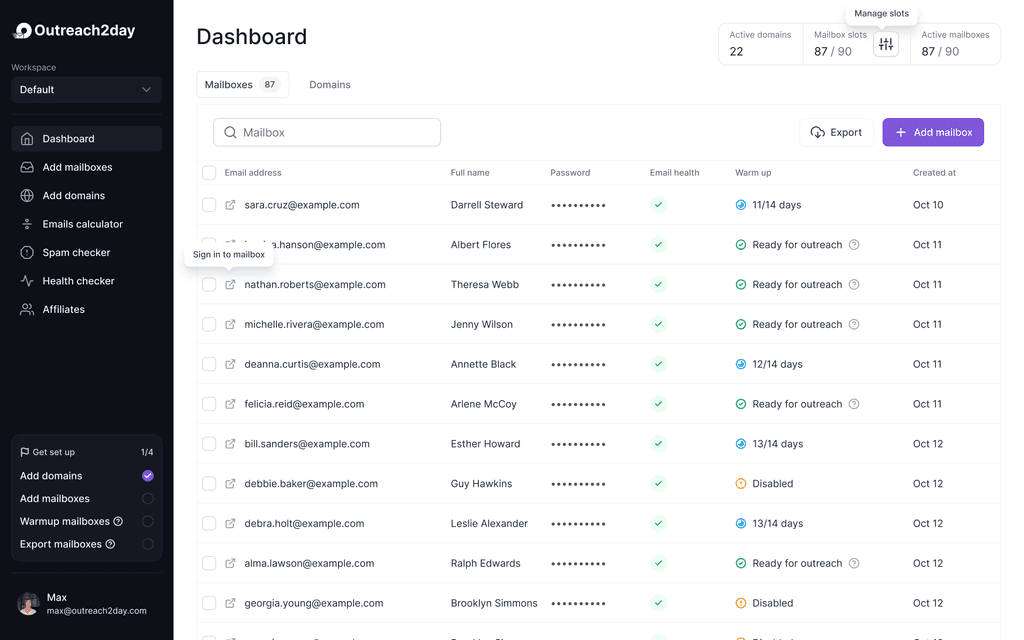
In Outreach2day each mailbox shows its warmup inbox, spam and bounce rate, and sends are split by recipient provider. Our mailboxes are standard SMTP/IMAP on our own infrastructure, so the Microsoft 365 Submission errors above don't come from them; full-mailbox bounces in a campaign point to the list.
Sources
- Google Workspace Admin Help: Gmail SMTP errors and codes: knowledge.workspace.google.com/admin/support/troubleshooting/gmail-smtp-errors-and-codes
- Gmail Help: Fix bounced or rejected emails: support.google.com/mail/answer/6596
- Google One Help: How your Google storage works: support.google.com/googleone/answer/9312312
- Microsoft Learn: Email nondelivery reports (NDRs) and SMTP errors in Exchange Online: learn.microsoft.com/en-us/troubleshoot/exchange/email-delivery/ndr/non-delivery-reports-in-exchange-online
- Microsoft Learn: NDR error 554 5.2.2 mailbox full when sending email to mail-enabled public folders: learn.microsoft.com/en-us/troubleshoot/exchange/email-delivery/ndr/cannot-send-mail-mepf
- Microsoft Learn: Message storage and concurrent connection throttling for SMTP Authenticated Submission: learn.microsoft.com/en-us/troubleshoot/exchange/send-emails/smtp-submission-improvements
- Microsoft Learn: Exchange Online limits: learn.microsoft.com/en-us/office365/servicedescriptions/exchange-online-service-description/exchange-online-limits
- Microsoft Learn: DSNs and NDRs in Exchange Server: learn.microsoft.com/en-us/exchange/mail-flow/non-delivery-reports-and-bounce-messages/non-delivery-reports-and-bounce-messages
- Yahoo Help: Yahoo Mail Storage FAQ: help.yahoo.com/kb/SLN37064.html
- RFC 3463: Enhanced Mail System Status Codes: rfc-editor.org/rfc/rfc3463.html
Related answers
- What Does 550 5.2.1 Mean, and How Do I Fix It?Bounces and errors
- Why Is My Cold Email Bounce Rate So High?Bounces and errors
- What Does 550 5.1.1 Mean, and How Do I Fix It?Bounces and errors
- What Does 550 5.7.233 Mean, and How Do I Fix It?Bounces and errors
In depth on the blog
- Microsoft 365 and Outlook Sending Limits9 min read
- How to Choose an Email Verification Program9 min read